
Smart editor
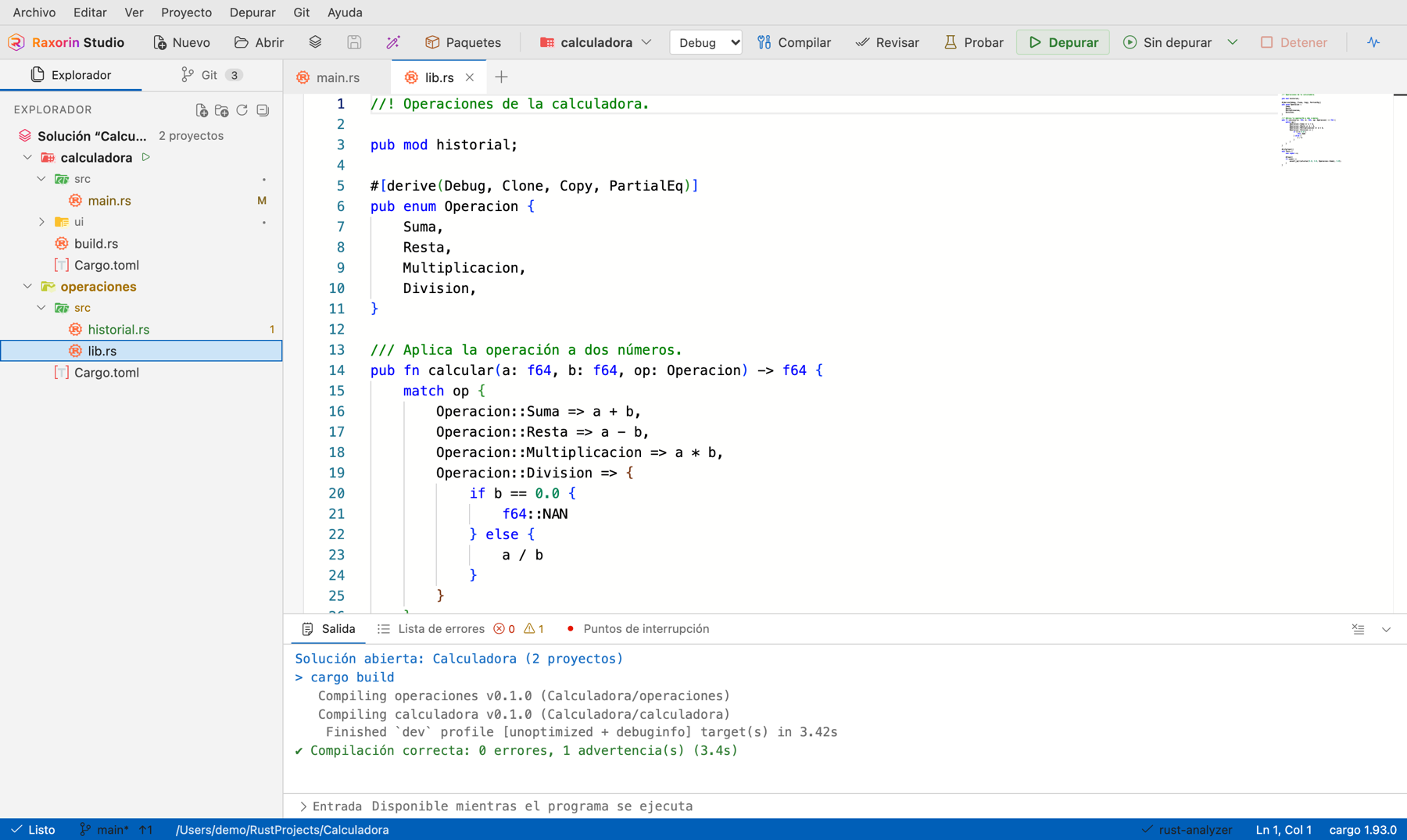
Completions, go to definition and instant errors with rust-analyzer. Built-in Clippy and rustfmt.
Write code with real-time help, design windows by dragging controls, debug with breakpoints and publish your program for Windows, Linux and macOS.
Free and open source (MIT) · macOS · Windows · Linux · UI in Spanish
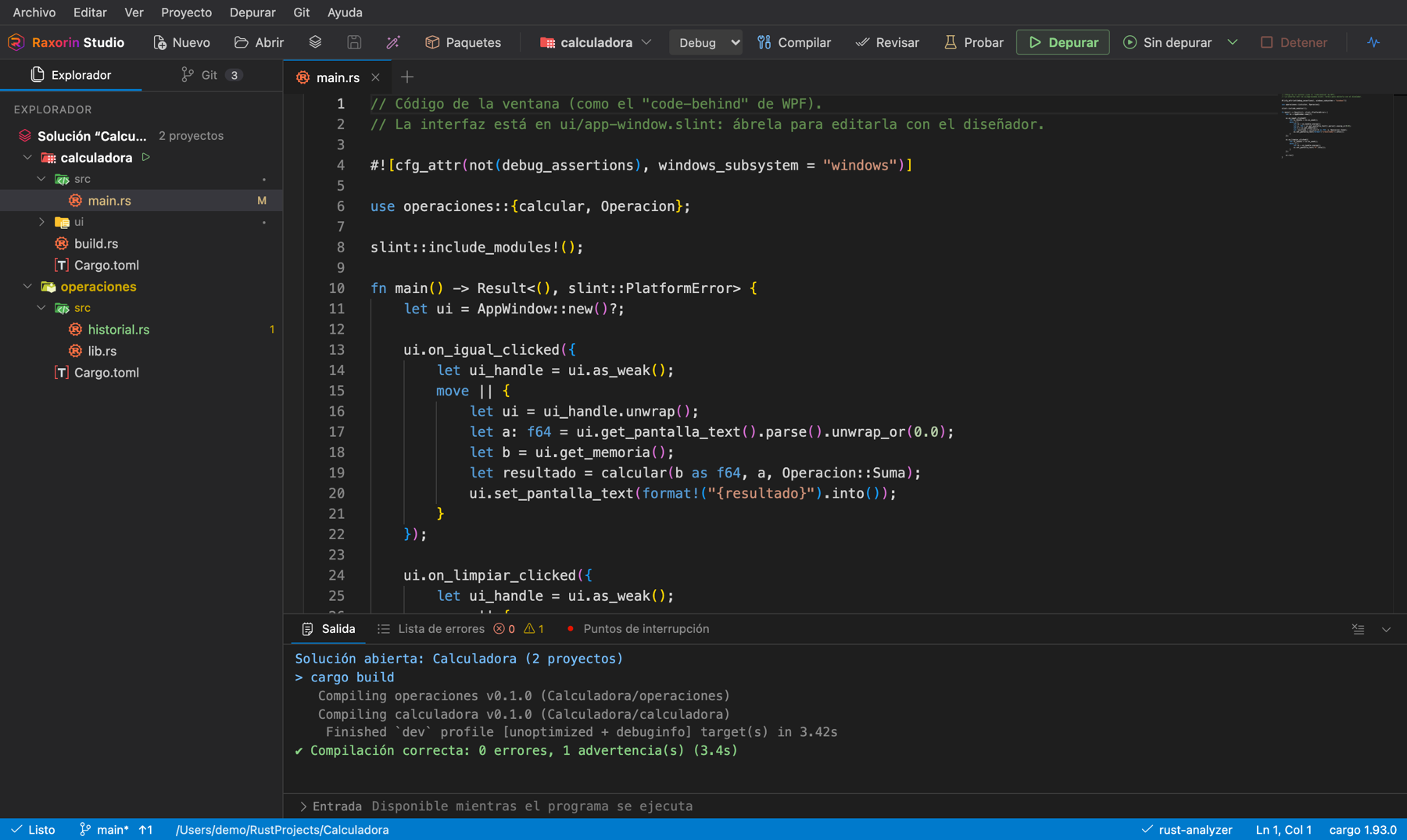
Raxorin Studio brings Rust's tools together in one place — no command line required.
Completions, go to definition and instant errors with rust-analyzer. Built-in Clippy and rustfmt.
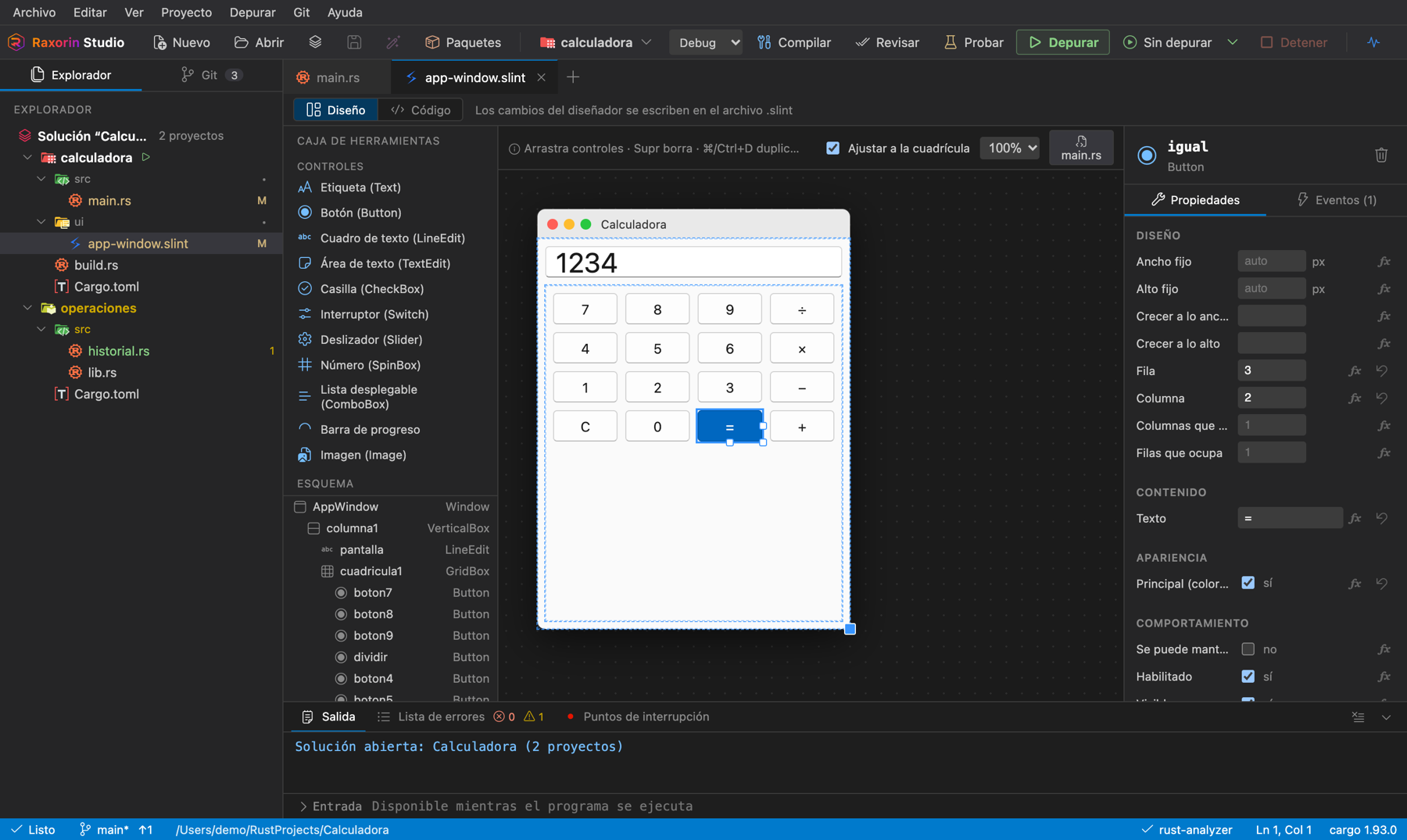
Drag buttons, text and lists onto your window. Columns, rows, grids and tabs that lay themselves out.
F5 like Visual Studio: conditional breakpoints, stepping, variables and CPU and memory charts.
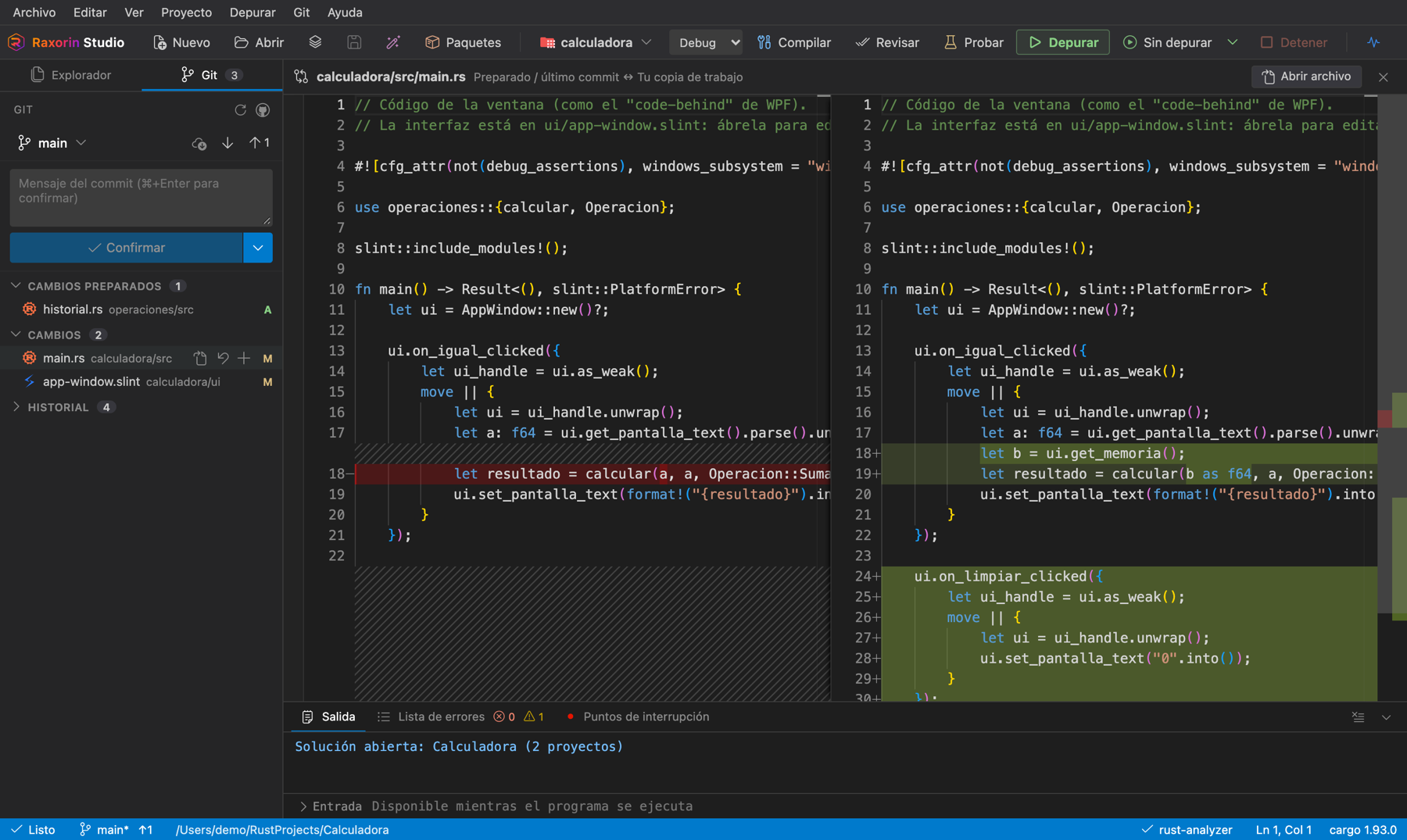
Commits, branches, side-by-side diffs, pull and push. Publish your project to GitHub in one click.
Search and install crates from crates.io, with recommendations.
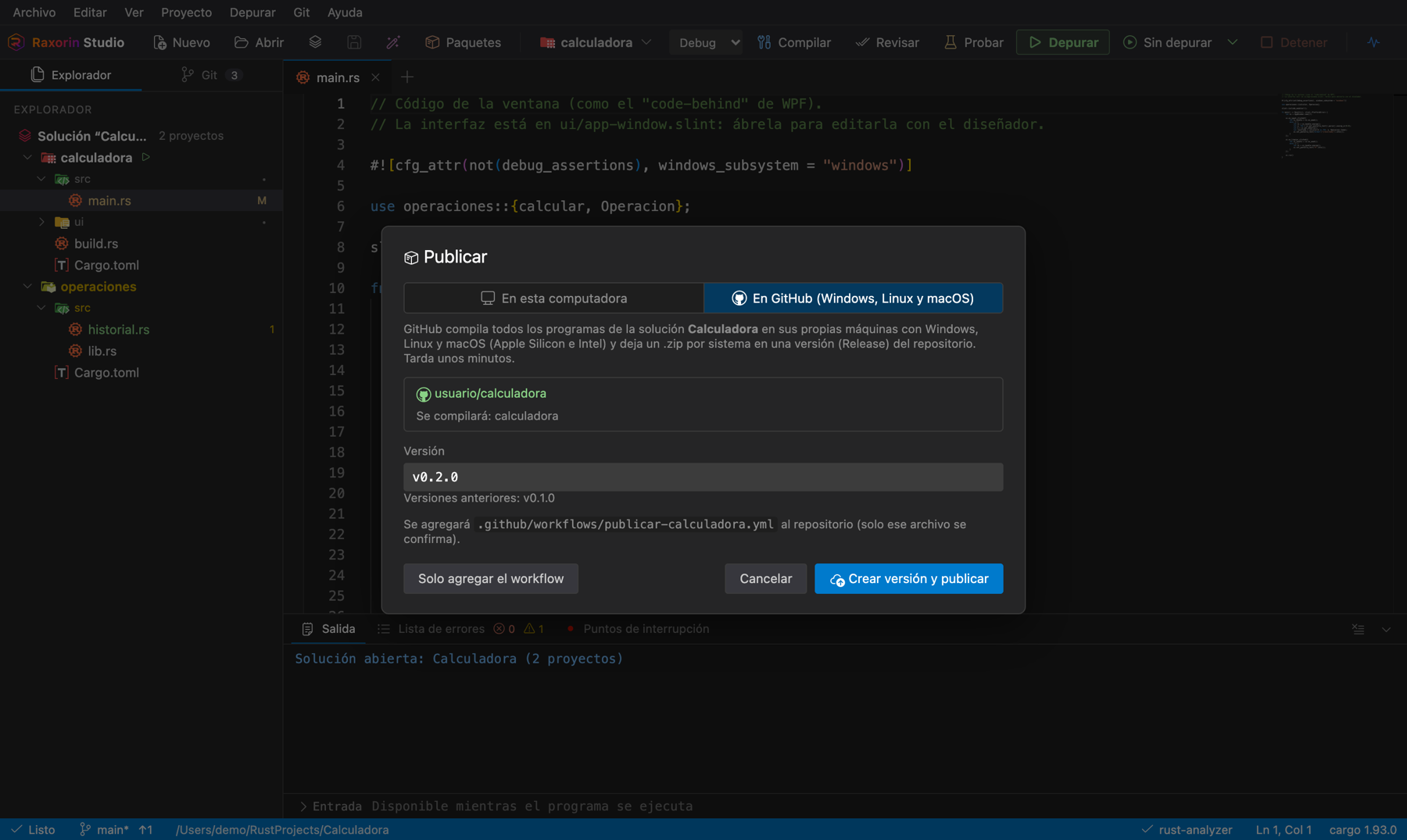
Produce a ready-to-share program. Build for Windows from your Mac, or for every OS with GitHub.
Drag controls, tweak their properties and wire up events: clicking “Create” writes the function in your Rust code. Under the hood it's Slint, so the window is native and fast.
Stage changes, review side-by-side diffs and commit with a message. Create branches to try ideas and push everything to GitHub without leaving the IDE.
In one click, GitHub builds your program on Windows, Linux and macOS machines and leaves the files ready to download. Your users don't need Rust.
Pick a theme, resize panels, customize the toolbar and tune the editor. Raxorin Studio updates itself with signed releases.
Export your screens with the Raxorin Studio Export plugin and open them in the designer: Auto Layout becomes columns and rows, and your Button, Input or Checkbox components become real controls.
Free, forever. You just need Rust installed.
Looking for the latest version…
On macOS, the first time open it with right-click → Open (the app isn't signed by Apple yet).
Don't have Rust? Install it from rustup.rs (it takes a couple of minutes). · All releases and notes
Yes. Raxorin Studio is free and open source under the MIT license, for personal and commercial projects.
Just Rust (from rustup.rs). Raxorin Studio offers to install rust-analyzer, Clippy and rustfmt if they're missing. Git uses your system's git.
Yes, they're yours. If they use Slint for the UI, they follow Slint's license, which is free for desktop apps with attribution.
Yes. You only need internet to download crates, use GitHub or check for updates.
By itself: on startup it checks for new versions and asks before installing. Every release is signed.
The user interface is in Spanish for now. An English UI is on the roadmap.